Mac app
Miss Lucy for Mac
Your matters, your documents and her reasoning — together in a single native window. The finest way to work with Miss Lucy.
Version 1.0.2 · macOS 26 or later · ~4 MB
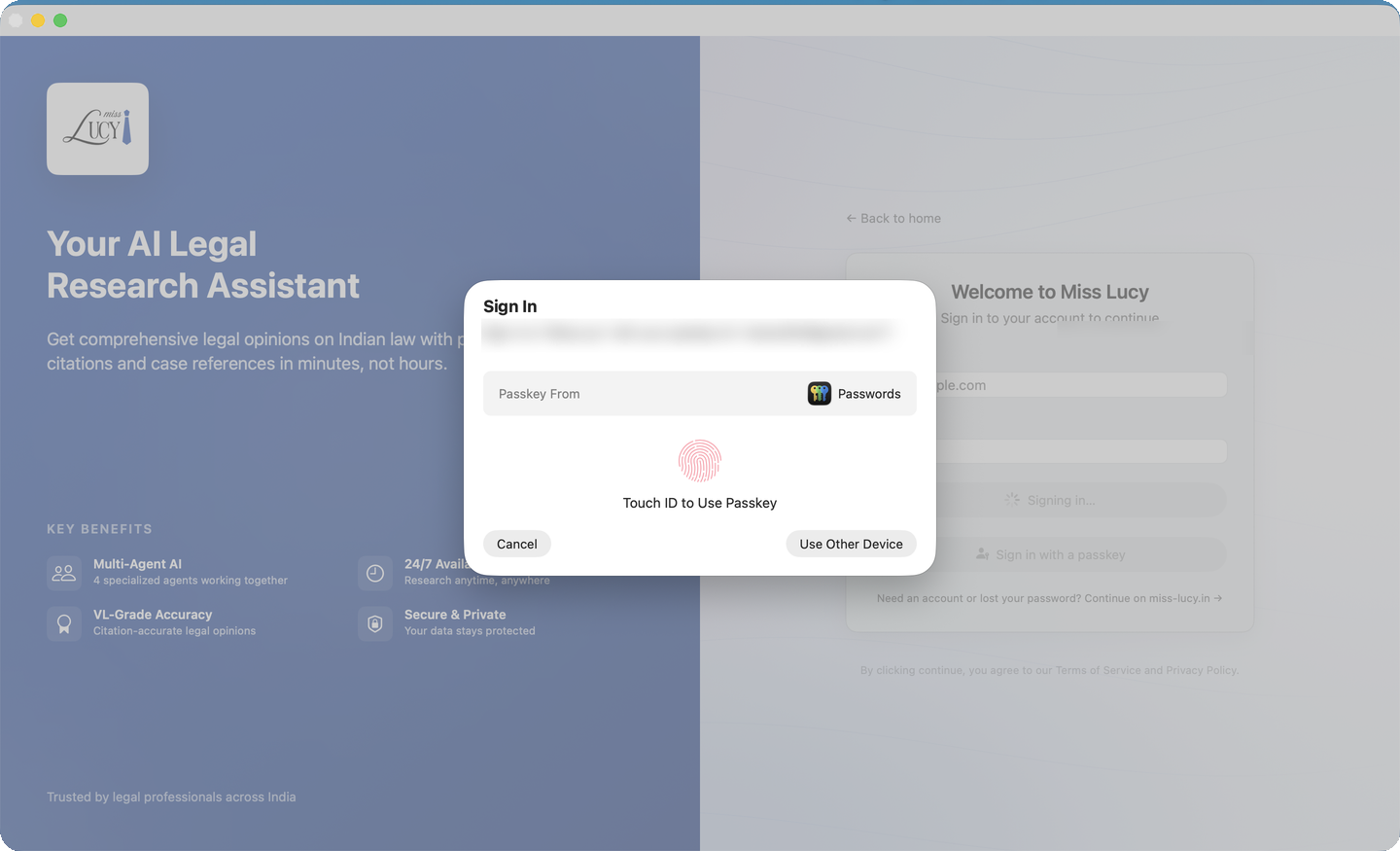
Sign in with your fingerprint
Sign in with Touch ID and never type a password again — passkeys can't be phished, guessed or reused, and they work with the same account you use on the web.
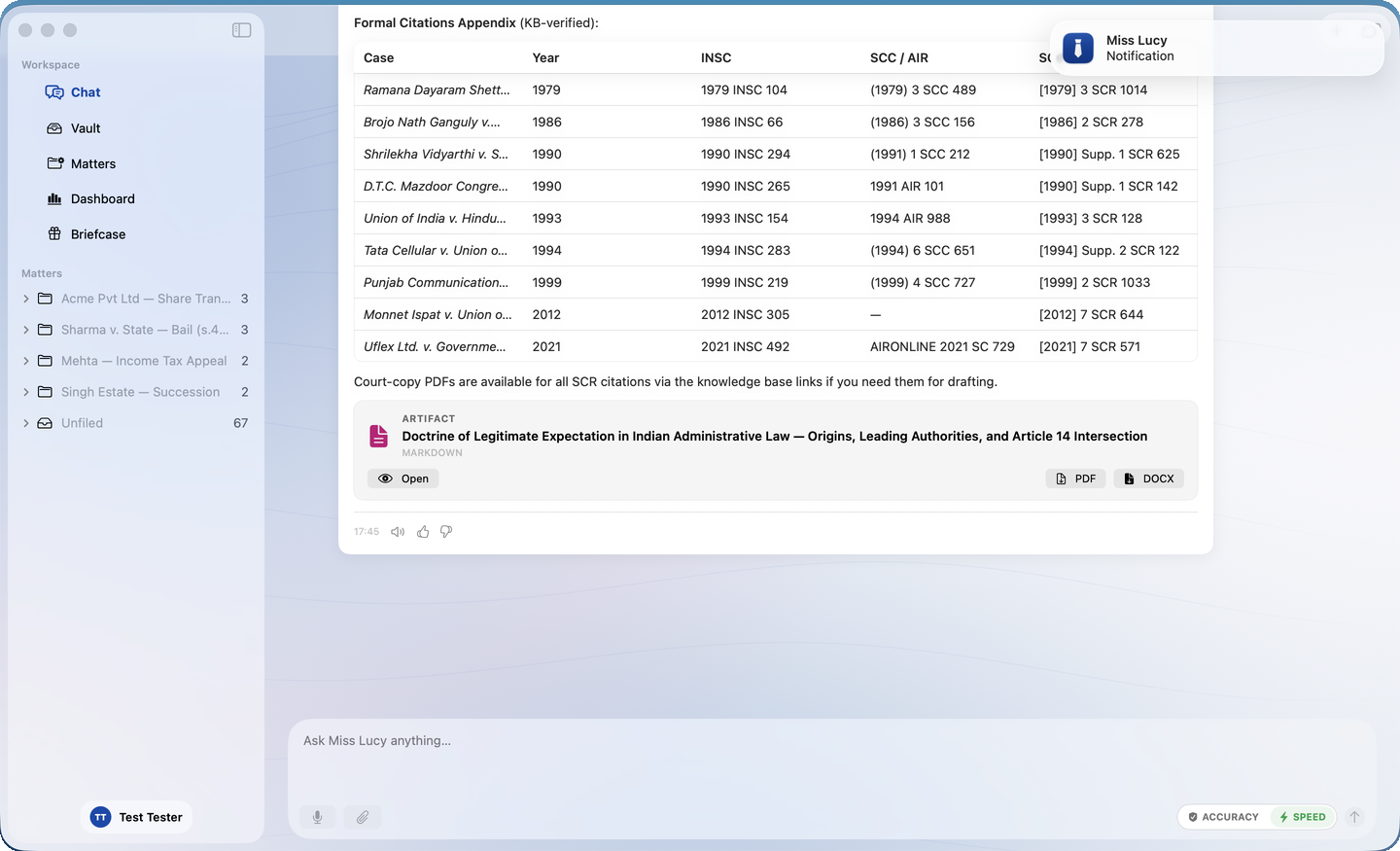
She tells you when she's done
Set her off on deep research and get back to your work. When a long task finishes you hear a soft chime, a notification arrives, and — if you turn it on — she reads you a short spoken summary of what she found, in her own voice. Quick replies stay quiet.
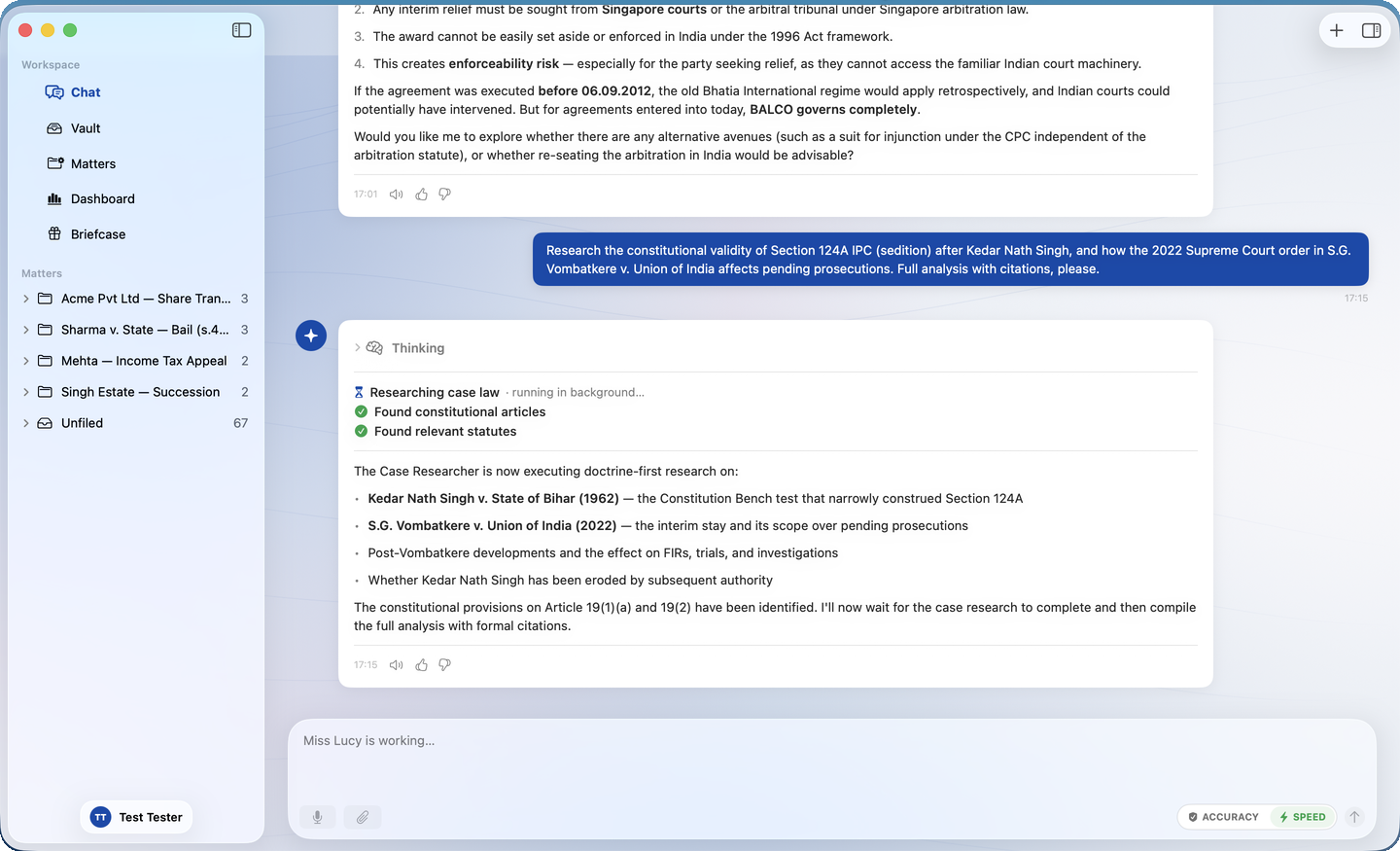
Her reasoning, there when you want it
Her thinking is hidden above the answer until you open it. The answer comes first, and one click opens up how she got there. It stays out of your way until you ask for it.
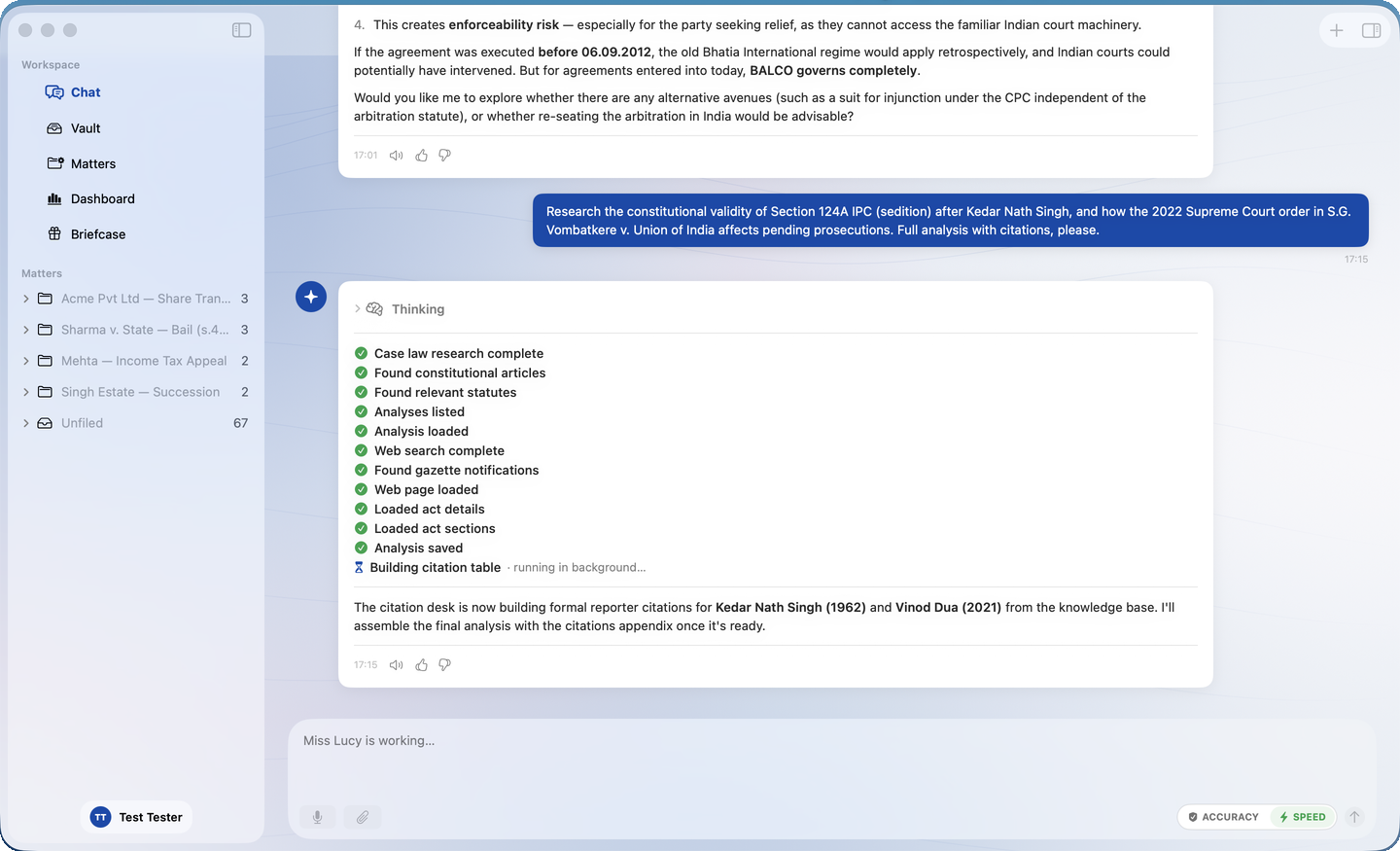
Watch each step finish
Every step shows up as it happens — case law searched, statutes read, citations checked — each earning a green tick as it completes, so you always know exactly where she is.
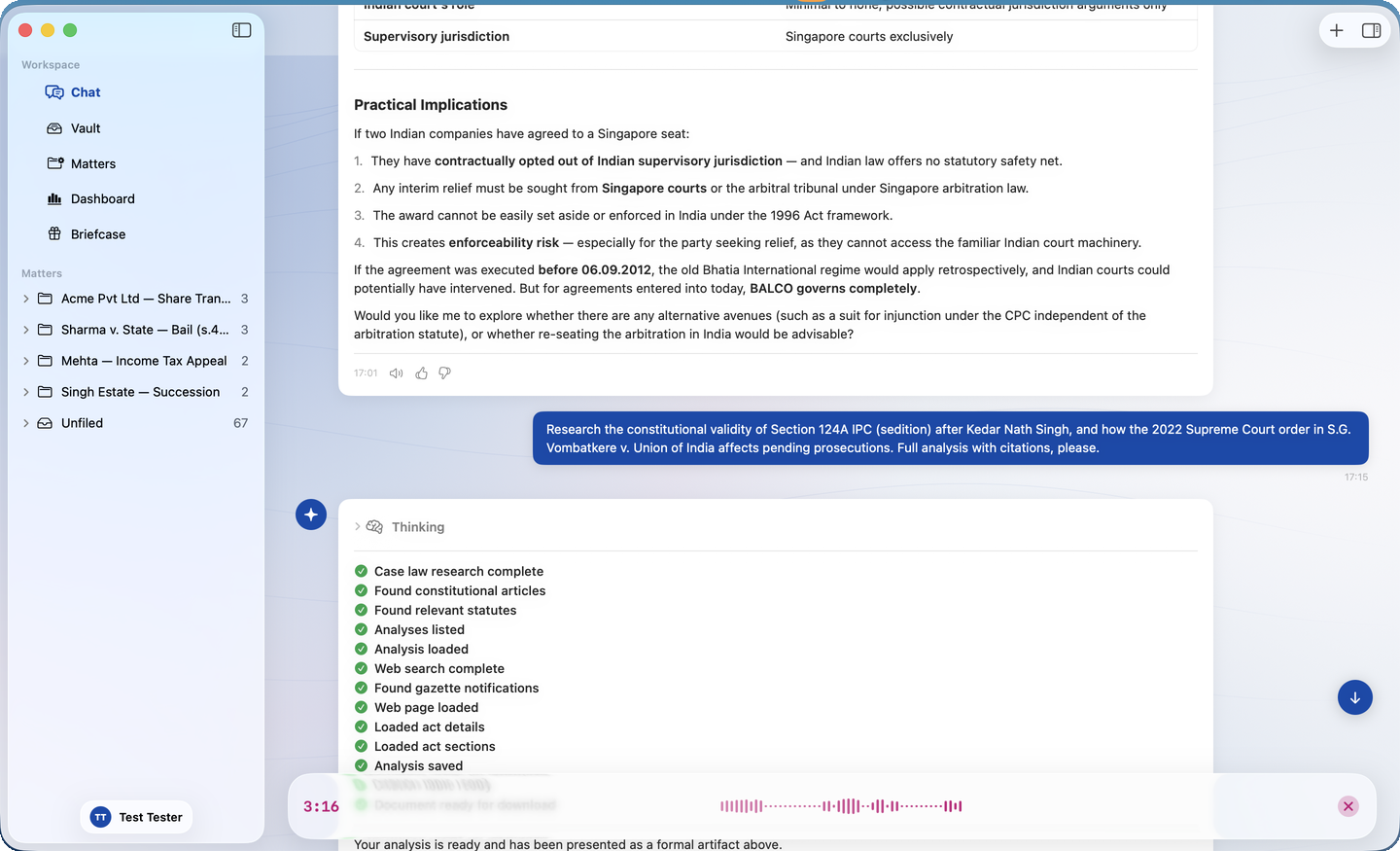
Brief her like a colleague
Hold the mic and talk through the matter the way you'd brief a junior — pauses, tangents and all. She turns it into a clean written query, and a loudspeaker on every reply reads her answer back to you.
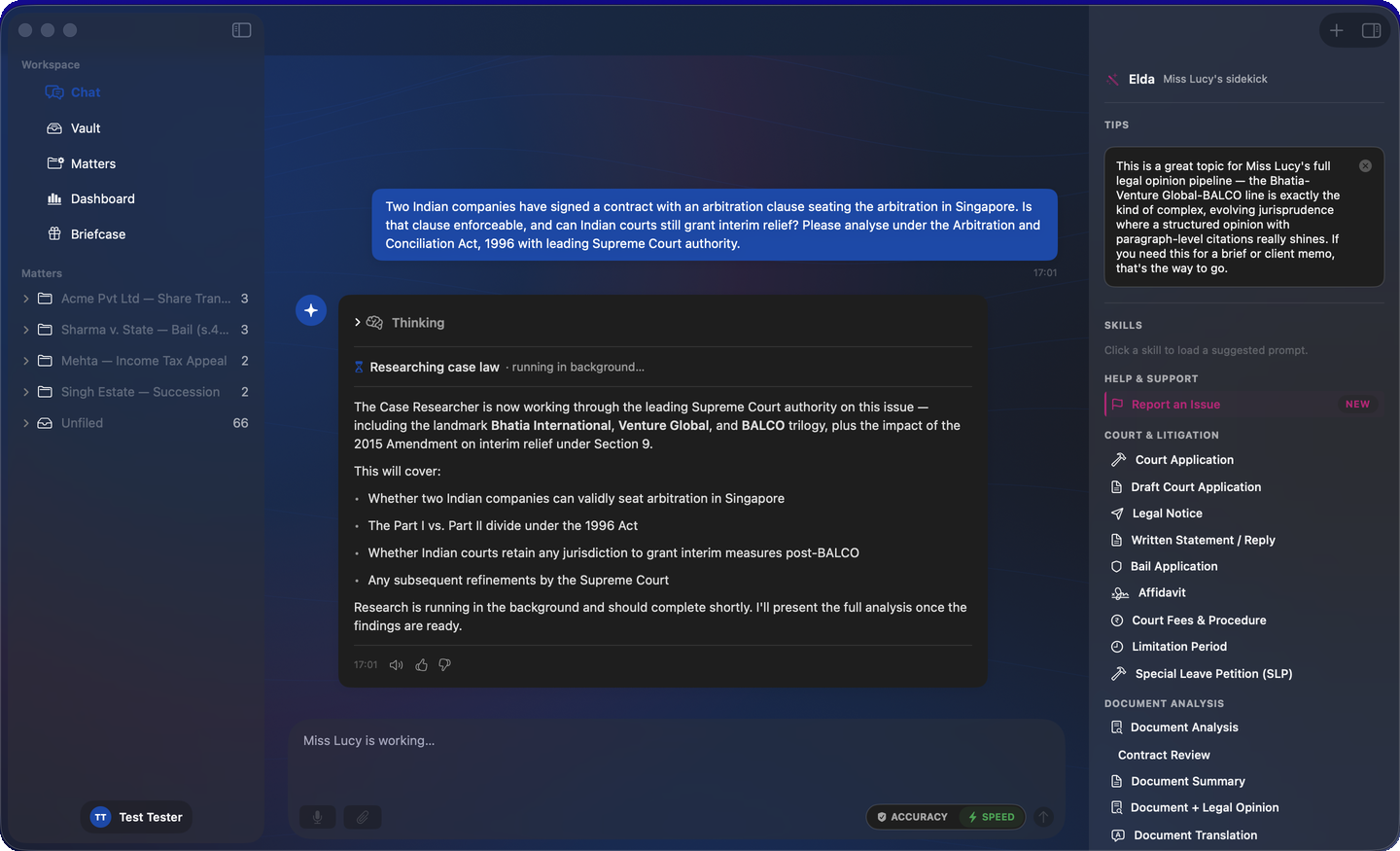
Built to look and feel like a Mac app
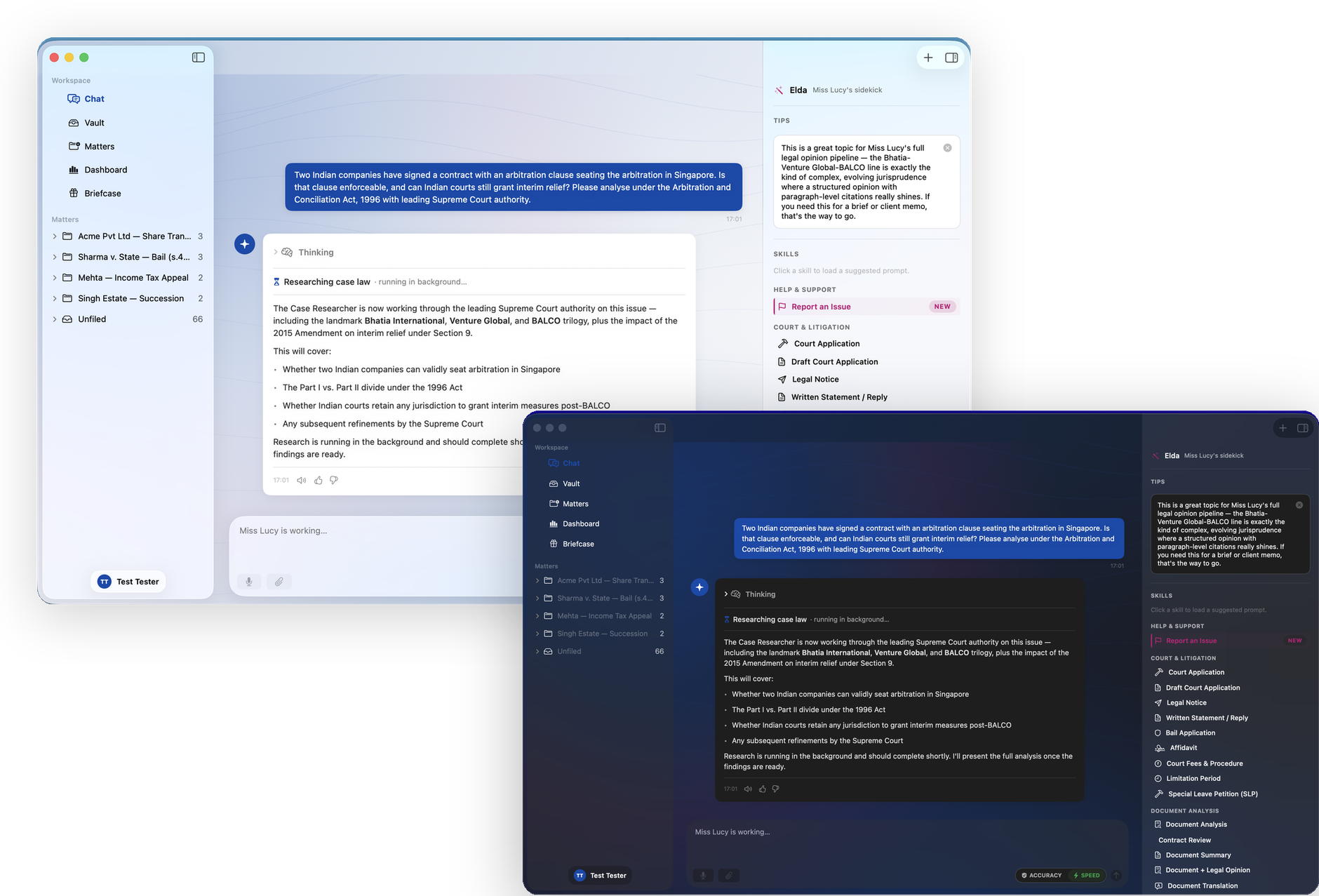
Sharper bubbles, a calmer layout and Apple's newest design language throughout — glass toolbars, a native sidebar and proper dark mode. It feels like the Mac because it is built like the Mac.
On your desk in under a minute
Open the DMG
Drag Miss Lucy into your Applications folder and launch her.
No warnings
The app is notarised by Apple — it opens cleanly, no Gatekeeper hurdles.
Always current
Updates install themselves. You never need to come back to this page.
Version 1.0.2 · macOS 26 or later · ~4 MB
Sign in with your existing Miss Lucy account. New here? Try the free demo first
Verify your download: SHA-256 checksum